You haven't signed in yet, you can have a better experience after signing in
*Please complete the payment within {{receiveCouponInfo.expire_at}}Previous use*
You haven't signed in yet, you can have a better experience after signing in



Activity Rules
1、Activity time:{{ info.groupon.start_at }} ~ {{ info.groupon.end_at }}。
1、Activity time:cease when sold out。
2、Validity period of the Group Buying:{{ info.groupon.expire_days * 24 }} hours。
3、Number of Group Buying:{{ info.groupon.need_count }}x。
Please Pay Attention
1、Teamwork process: Join/initiate a Group Buying and make a successful payment - Within the validity period, the number of team members meets the activity requirements - Group Buying succeeded!
2、If the number of participants cannot be met within the valid period, the group will fail, and the paid amount will be refunded in the original way.
3、The number of people required and the time of the event may vary among different products. Please pay attention to the rules of the event.

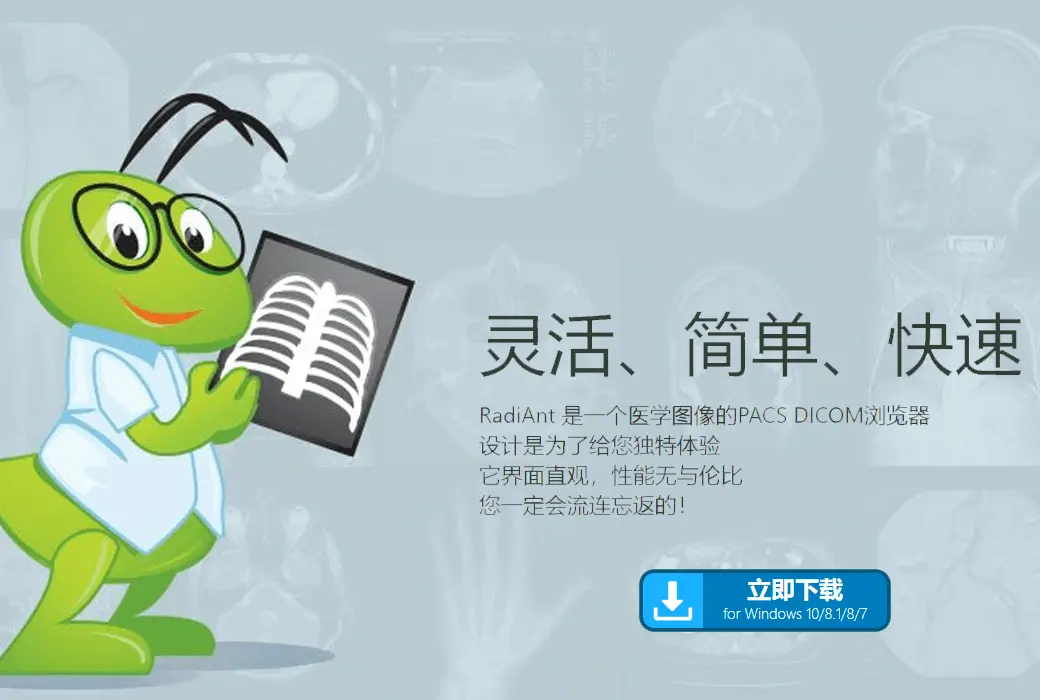
Flexible, Simple, Fast
Designed to give you a unique experience, it boasts an intuitive interface and unparalleled performance, ensuring your experience is overwhelmingly positive!
Patient's CD/DVD DICOM Browser
Do you know how frustrating it can be to endlessly wait for a patient's CD to open?
Does your browser require you to install additional programs before you can actually view the images?
Try RadiAnt DICOM Viewer AutoPlay Pack! It's absolutely fast, and there's no need to install CD/DVD playback software on Windows XP SP3, Vista, Windows 7, Windows 8, Windows 8.1, and Windows 10, nor is there a need to install any other software or programs (such as .NET or Java).
If your operating system allows, the 64-bit version opens files more efficiently. Older machines use the 32-bit version. This version adds approximately just 6MB of data.
After opening the program, the logo will appear, which is fully customizable and can be used in your company's information for guests.
.Official website:https://www.radiantviewer.com/
Download Center:https://radiant-dicom-viewer.apsgo.cn
Backup Download:N/A
Delivery time:Manual online processing of orders
Operating platform:Windows
Interface language:Supports Chinese interface display, with multiple languages available.
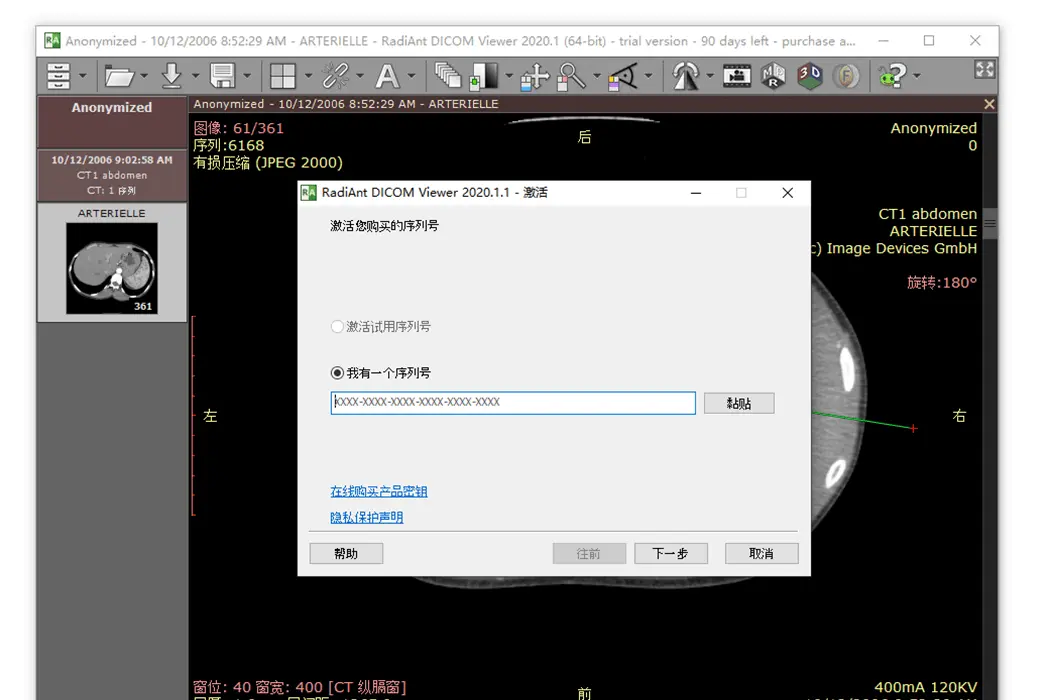
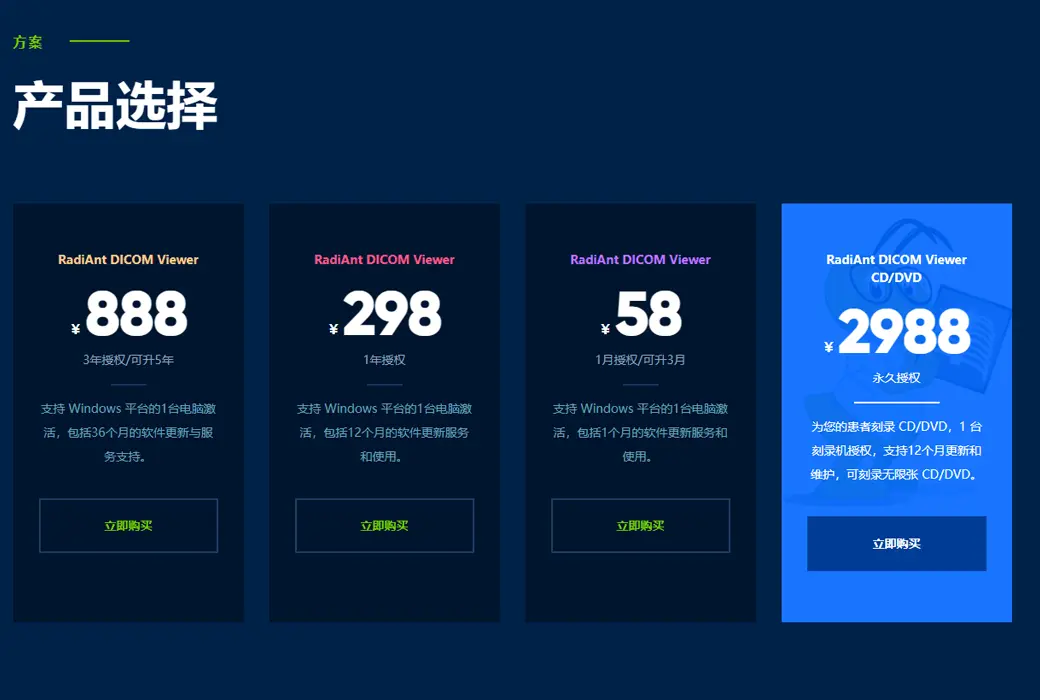
Update instructions:Lifetime version: includes 1 year of upgrade, maintenance, and update services. After 1 year, only the current version can be used. 1-year subscription: Used and updated within 1 year.
Pre purchase trial:90 day free trial.
How to receive the goods:After purchase, the activation information will be sent to the email address at the time of placing the order, and the corresponding product activation code can be viewed in the personal center, My Orders.
Number of devices:Can install 1 computer.
Replacing the computer:Uninstall and remove authorization from the original computer, and reactivate the new computer with a registration code.
Activation guidance:To be added.
Special instructions:CD/DVD version: You cannot use this license to view images yourself. This license is for patients to use on a DVD, making it convenient for them to view their own images without purchasing a license.
reference material:https://www.radiantviewer.com/products/

Any question


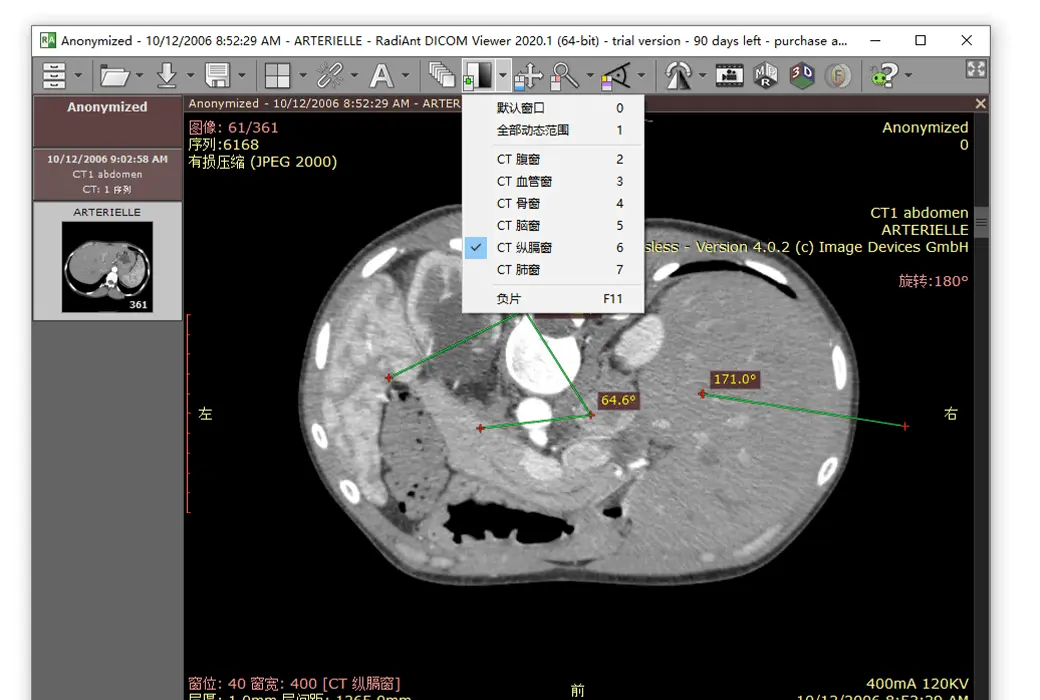
RadiAnt DICOM Viewer is an application used for processing and displaying DICOM format (Medical Digital Imaging and Communication) medical images.
This viewer allows users to open studies from CD/DVD/BluRay disks, flash memory, local and network folders, and PACS locations.
Latest Version - RadiAnt DICOM Viewer 2024.1 Beta
Official download: https://www.radiantviewer.com/files/RadiAnt-2024.1-Setup.exe
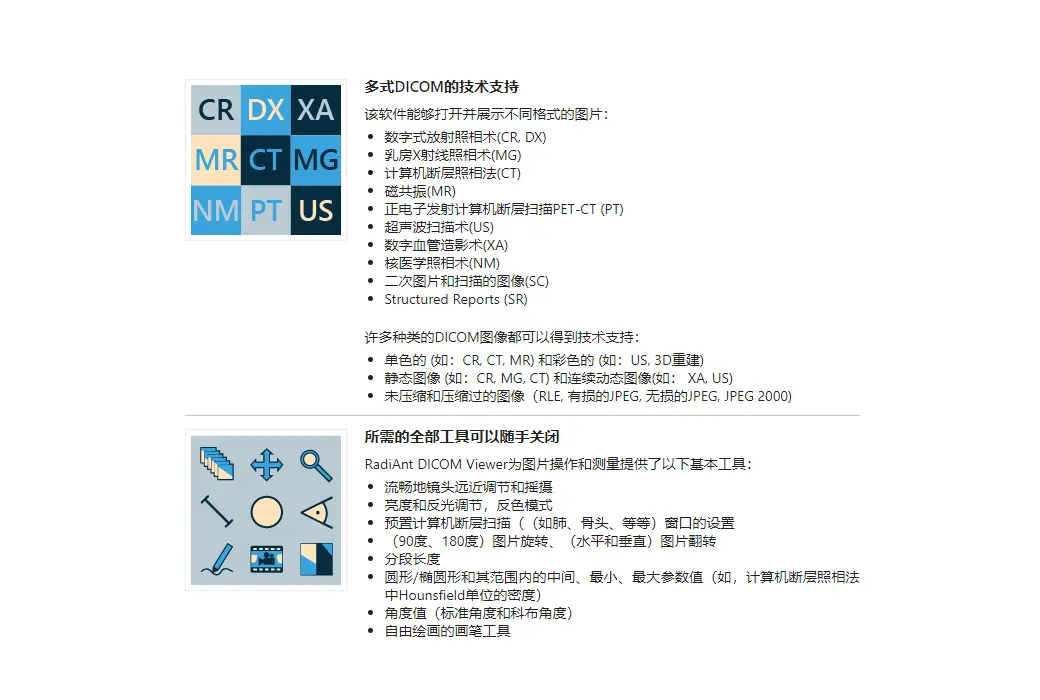
The research results obtained from different imaging methods can be displayed in RadiAnt DICOM Viewer:
Digital X-ray photography (CR, DX)
• Mammography, Digital Breast Tomography (MG)
• Computed tomography (CT) scan
Magnetic Resonance (MR)
Positron emission tomography PET-CT (PT)
Ultrasound examination (ultrasound, IVUS)
• Digital angiography (XA)
Gamma Camera, Nuclear Medicine (NM)
• Auxiliary images and scanned images (SC)
Endoscopic examination (ES)
Microscope (SM, GM)
Structured Reports (SR)
• Encapsulated PDF document (OT)
Viewers can handle multiple types of DICOM images:
Monochrome (such as CR, CT, MR) and color (such as US, 3D reconstruction)
Static images (such as CR, MG, CT) and dynamic sequences (such as XA, US)
• uncompressed and compressed (RLE, JPEG lossy, JPEG lossless JPEG 2000、JPEG-LS)
• MPEG-2/MPEG4 compressed video files
Note: RadiAnt DICOM Viewer is not a medical product. It does not have FDA/CE or any other certification and is not used for diagnostic purposes.
Software features
basic function
• Used for installing desktop applications on PCs, laptops, and tablets running Windows systems
• Supports Windows 7/8/8.1/10/11
Native ARM 64 bit version of the new generation Windows on ARM devices (such as Surface Pro X)
• No additional dependencies (. NET, Java, etc.)
• Lightweight and compact application1
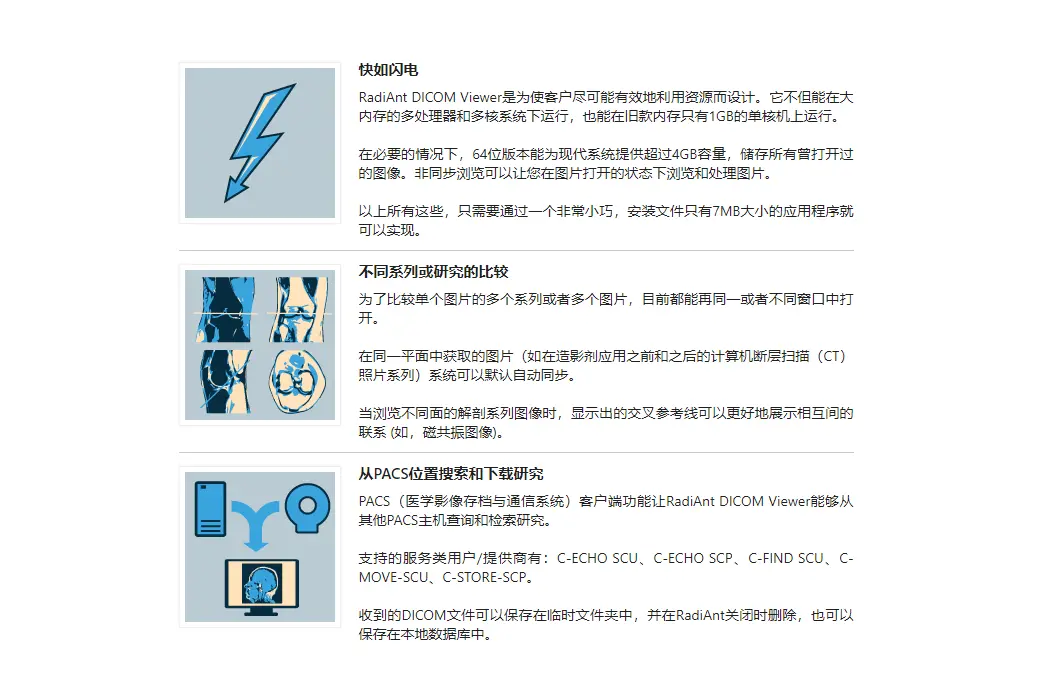
Both 32-bit and 64 bit versions have been optimized for multi-core processors, resulting in excellent performance
Asynchronous reading (you can browse images when opening them)
Advanced memory management system, making it easy to simultaneously open research containing thousands of images
Supported DICOM formats
• Files from different imaging modes: CR、DX、MG、CT、MR、PT、US、XA、NM、SC、SR
Monochrome images (such as CR, CT, MR)
Color images (e.g. US, 3D reconstruction)
• Static images (such as CR, MG, CT)
• Dynamic sequences (e.g. XA, US)
• uncompressed images (small/large, implicit/explicit VR)
Compressed images (RLE, JPEG lossy, JPEG lossless JPEG 2000、JPEG-LS)
• Structured report
• Encapsulated PDF document
• MPEG4/MPEG-2 DICOM video
Accessing DICOM Research
Open DICOM research from CD/DVD/Blu ray discs
Open DICOM research from local and network folders
Open DICOM Research from USB Drive
Open ZIP archive using DICOM file (unencrypted/encrypted)
Search and download DICOM studies (or selected series) from PACS locations (servers, workstations, modalities)
• Accept and display studies pushed from other PACS locations
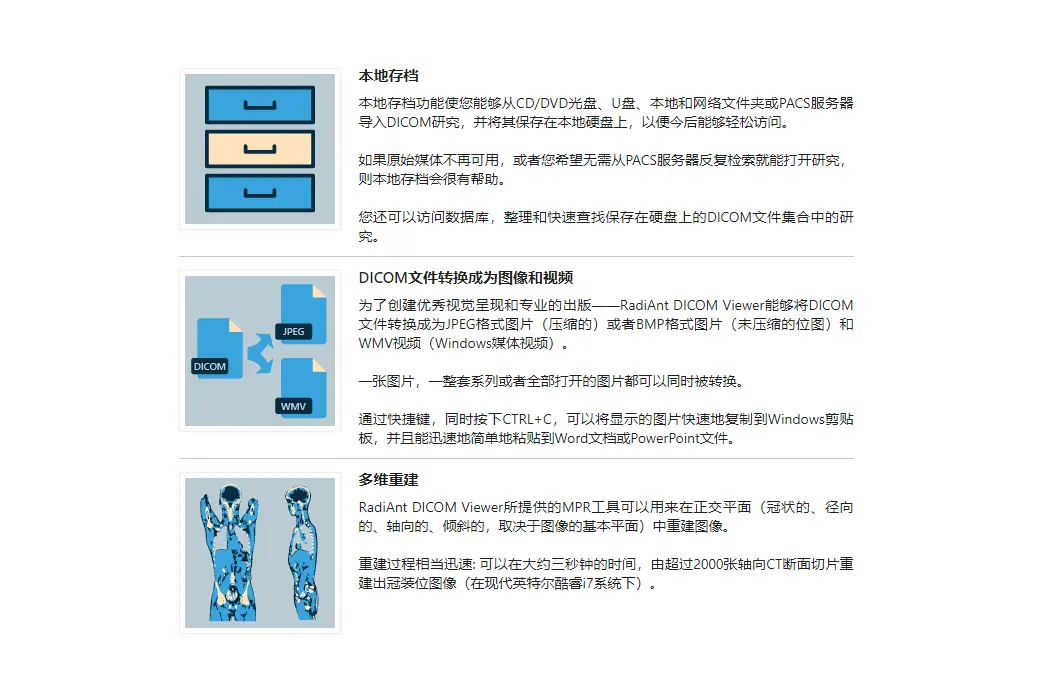
Local Archive
• Store DICOM studies in a local database
Importing DICOM research from CD/DVD/Blu ray discs
Import DICOM studies from local and network folders
Importing DICOM research from USB drive
Import ZIP archive with DICOM files (unencrypted/encrypted)
Import DICOM research from PACS location
Organize research collections using keywords
• Supports multiple databases
Export the research list as a CSV file
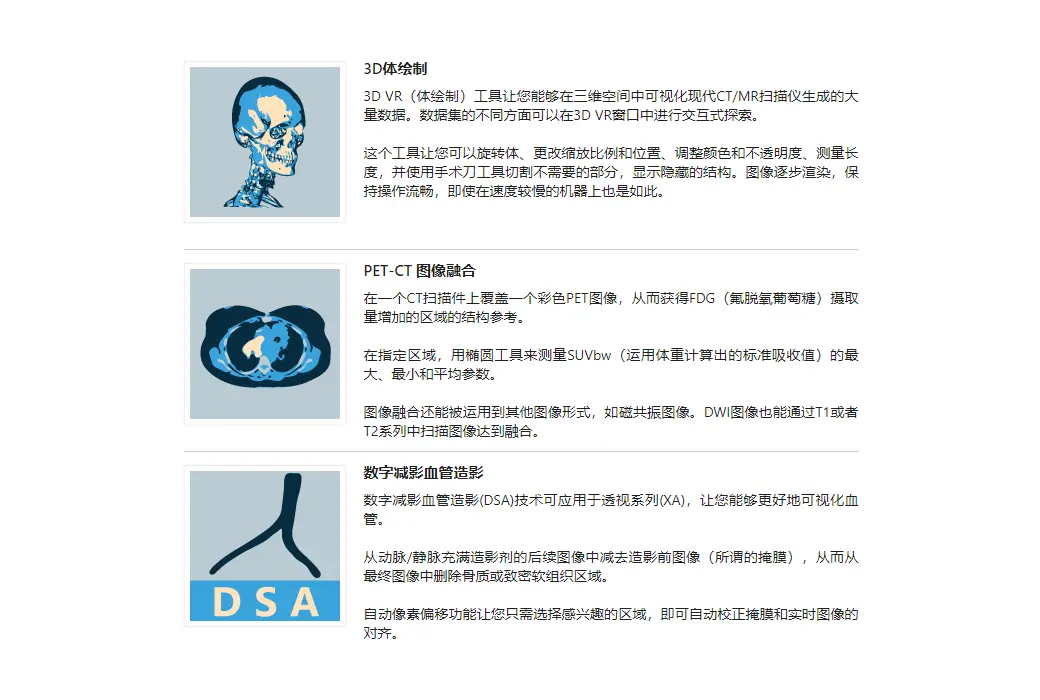
Export image
Export DICOM files as JPEG/BMP images
Export DICOM files as MP4/WMV movies
Export DICOM files in their original format 2
Copy the displayed image to the Windows clipboard
Send the study to PACS location 3
Basic tools
• Perform fluid scaling
• Perform fluid translation
Adjust brightness and contrast (window level/window width)
• Negative mode
• Preset windows for computed tomography applications (lungs, bones, etc.)
• Apply precise window values (PET series supports SUVbw)
• Add your own window presets
• Rotation (90 clockwise, 90 counterclockwise, 180)
Flip (horizontal, vertical)
Apply image filters (sharpening, smoothing, edges, relief)
• Display dynamic sequences/sequences (CINE), with the option to adjust the frame rate per second
• Display DICOM overlay (annotations or graphic overlays included in the file)
• Display DICOM file structure and searchable DICOM tags, their descriptions, and values
Measurement/ROI
• Measurement of line segment length
• Manually calibrate length measurement
• Support calibration areas in ultrasound images
Measure the average, minimum, and maximum parameter values within a circle/ellipse and its area (e.g. density in Hounsfield units in computed tomography, SUVbw in PET)
Measure the area and perimeter of a closed polygon
• Measurement of open polygon length
• Measurement of angle values
Measurement of Cobb angle value
• Measurement of deviation distance
Arrow tool for annotation
• Pencil tool for hand drawing
Comparison Series
Compare multiple sequences in the same or different windows
Automatic synchronization between series and images captured on the same plane (e.g. computed tomography series before and after contrast agent administration)
Manually synchronize between series of studies with similar patient orientation
Cross reference lines connected in series with different image planes (e.g. magnetic resonance studies)
3D cursor tool
• Split multiple sequence sequences into individual panels
Advanced Tools
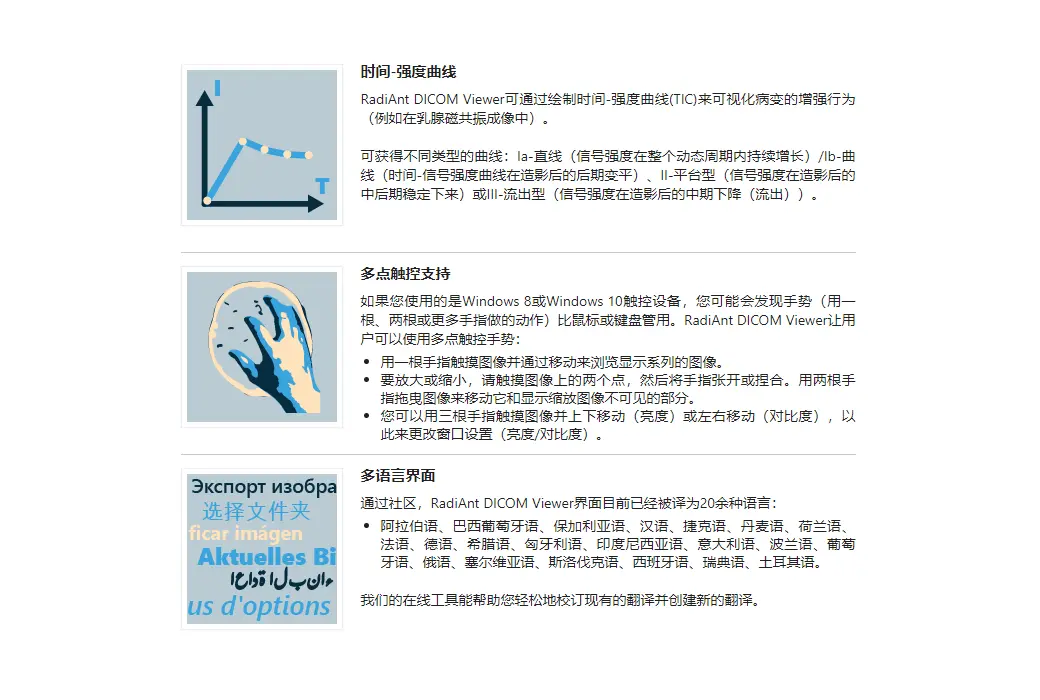
2D MPR (Orthogonal Multi Plane Reconstruction)
• Integrate the series with different modes (such as PET-CT) or protocols (such as MR T1/T2-DWI)
Time intensity curve (TIC, for example, used in breast MRI)
3D MPR (oblique multi plane reconstruction) with MIP (maximum intensity projection), MinIP (minimum intensity projection), and Avg (average) modes
3D VR (Volume Rendering)
• 3D snapshot for quick saving and restoring of 3D VR views
Create fast movies (simple rotations) and videos based on advanced 3D snapshots using volume rendered objects
Export 3D models as STL files
GPU acceleration for 3D VR and 3D MPR/MIP 5
DSA mode (digital subtraction angiography) features automatic and manual pixel offset, separation mask, and magic mask
Interface
• Simple and intuitive interface with full screen and interference free modes
Multi touch support for Windows 8/8.1/10/11 touch devices
• Multi language interface - providing over 30 translations 6
• Customizable keyboard shortcuts
• By using command-line parameters and radius:// URL protocol and third-party system integration
Tips:
The installation program size for RadiAnt DICOM Viewer is 7MB; The disk space occupied after installation is 10MB.
2. Unable to export auxiliary images obtained using multi planar reconstruction (MPR), 3D volume rendering, fusion, or temporal intensity curve (TIC) tools to DICOM files.
3 is available after installing the DCMTK add-on software package.
This series must belong to the same research.
5 is only applicable to the 64 bit version of RadiAnt DICOM viewer. NVIDIA graphics cards that need to be supported.
6 RadiAnt DICOM Viewer and RadiAnt DICOM Viewer CD/DVD support English and Polish during distribution. If other translation languages are required: DICOM Viewer - RadiAnt | Translations
system requirements
Minimum system requirements:
Microsoft Windows system (supports Windows 7, Windows 8, Windows 8.1, Windows 10, and Windows 11)
Intel or AMD 1GHz or faster processors
1GB of RAM
10MB of available hard disk space for installation; Additional available space required for local archiving and image caching
1024 x 768 screen resolution
Recommended system requirements:
Microsoft Windows 10 or Windows 11 system
Intel or AMD 3GHz or faster processors with four or more cores
4GB RAM (8GB for 3D viewing) or more
• Fast SSD system drive
1920 x 1080 (or higher) screen resolution
NVIDIA graphics card (10 series or higher) for GPU accelerated 3D VR and MPR
————————————————